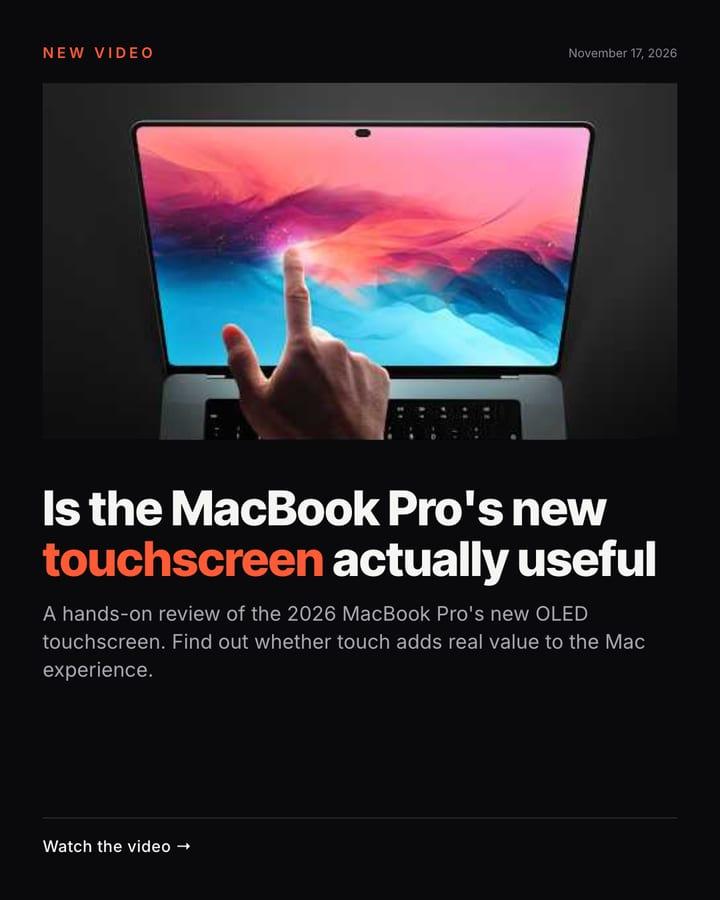
Touch finally comes to MacBook Pro — but does it actually help? 🤔💻 Find out in the full review! #MacBookPro #OLED #AppleTouch #TechReview ▶️ Watch the full video — link in bio.
The post and captions of a real run.
Touch finally comes to MacBook Pro — but does it actually help? 🤔💻 Find out in the full review! #MacBookPro #OLED #AppleTouch #TechReview ▶️ Watch the full video — link in bio.
The post and captions of a real run.
Each new video on your YouTube channel becomes a social post: its thumbnail, a headline and the idea in two lines.
Needs the Starter plan for AI writing. You can change anything after it’s created.
The latest stories from YouTube channel, read fresh on every run.
AI writes the text from that data, following the robot’s rules: the headline, the explanation and the caption.
A caption made for each network: Instagram, Facebook and Telegram. AI Check can hold back a post that looks wrong.
titleMacBook Pro OLED Review - Is Touch ACTUALLY Useful?pubDate2026-11-05T14:03:51.000ZhookIs the MacBook Pro's new touchscreen actually useful
summaryA hands-on review of the 2026 MacBook Pro's new OLED touchscreen. Find out whether touch adds real value to the Mac experience.
The robot is a starting point. Once it’s yours, change anything.
Starter or Pro, because the robot uses AI to write the posts.
You choose: approve each post yourself, let AI Check review it, or let it go out on its own.
Yes. Set the language once and every post and caption is written in it.
Yes. Open it in the editor and change the colours, fonts, texts and logo. The robot’s data keeps flowing in.
 Carousel · 7 slides
Each new post on your blog becomes a carousel of its key ideas, one per slide.
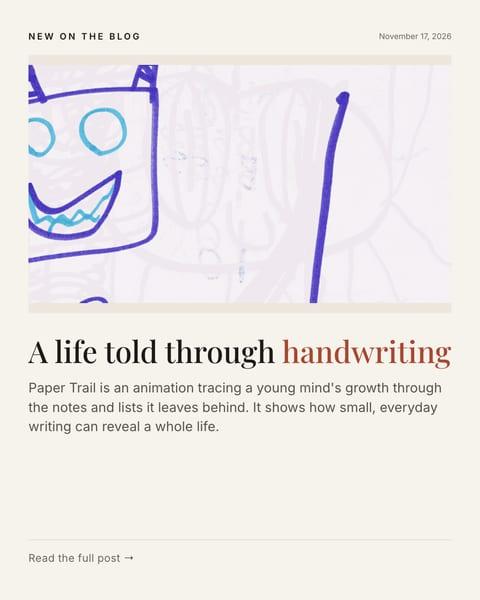
Each new post on your blog becomes a social post: its picture, a headline and the idea in two lines.
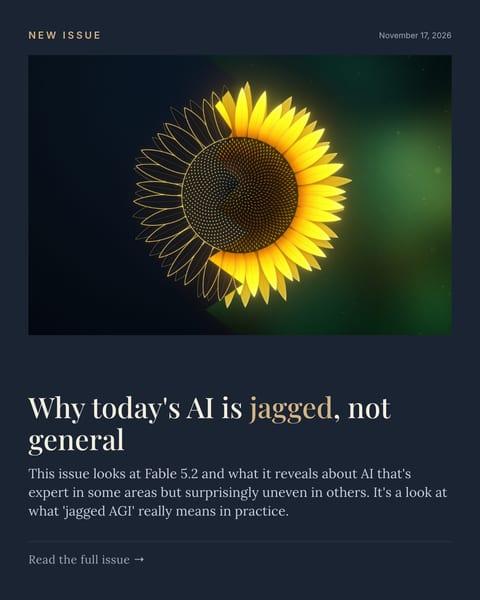
Each new issue of your newsletter becomes a social post: its cover, a headline and the idea in two lines.

Each new job on your Greenhouse board becomes a post: the role, the place and the link to apply.
Your first post is ready for review after its first run.
Free plan, no card needed. AI writing from $20 a month.